
Build a login that is hard to reuse or guess
Use a different password for every gambling account and for the email account connected to it. A password manager can generate and store long, unique passwords, reducing the pressure to remember several variations. If you prefer a passphrase, use multiple unrelated words with enough length; avoid names, birthdays, team names, keyboard patterns and phrases already used elsewhere.
Never reuse a password from a breached shopping, gaming or social account. Attackers test leaked email-and-password pairs on other services because reuse makes one breach travel. A unique credential prevents a password exposed on an unrelated site from opening the casino account directly.
Do not send a password to “support,” a friend or an affiliate. Legitimate staff can review an account without knowing the secret that authenticates you. If a service asks you to email a password or type it into a link from a message, treat that as a sign to stop and verify the channel.
Turn on multi-factor authentication
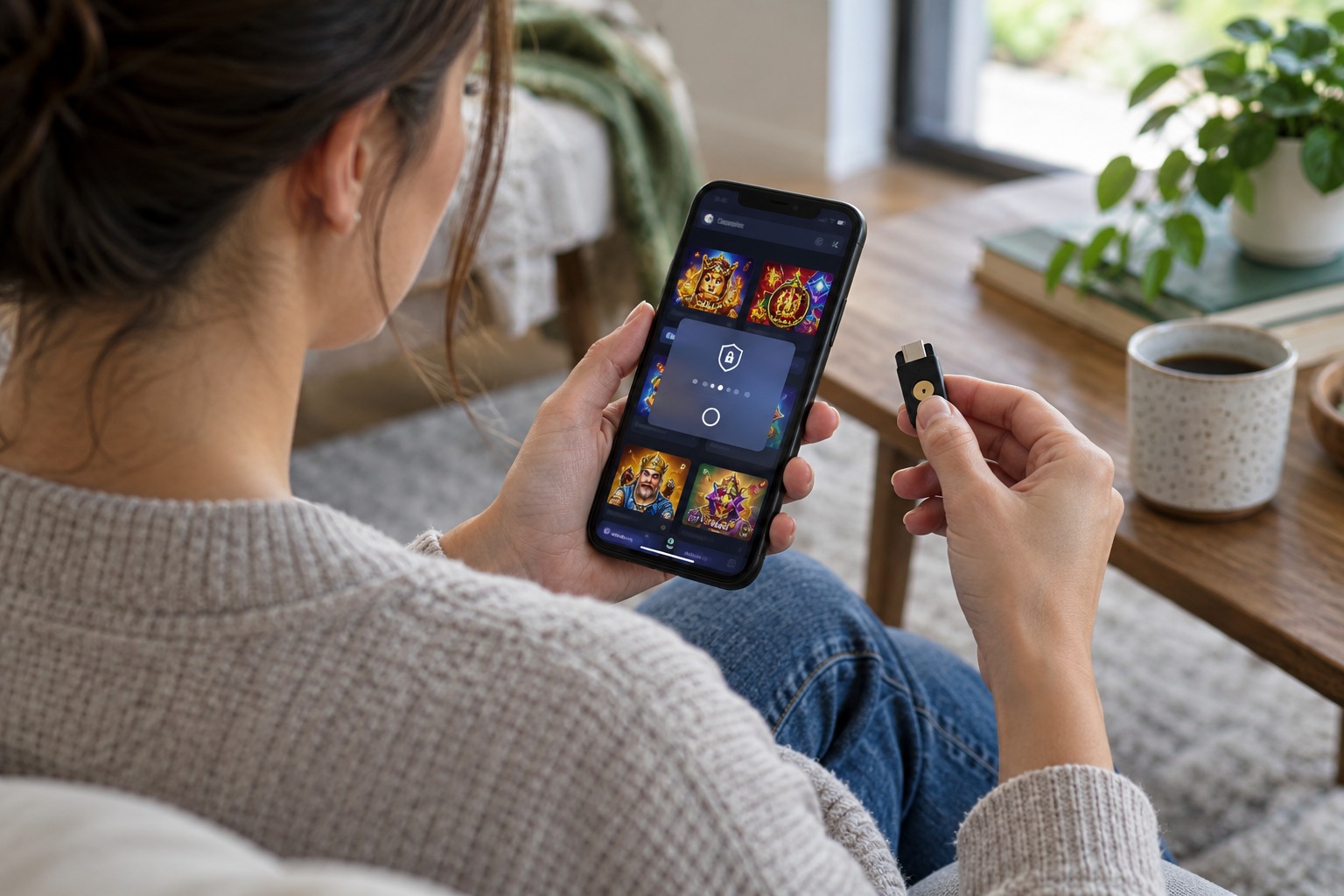
Multi-factor authentication (MFA), also known as two-factor authentication (2FA), asks for another proof after the password. Options include a passkey, a security key, an authenticator-app code or a code delivered by text message. A stolen password alone is less useful when a separate factor is required.
Use the strongest option the casino and email provider support. A passkey or hardware security key is resistant to many fake-login pages because it is bound to the real site. An authenticator app avoids dependence on mobile reception. SMS is better than password-only access, but a criminal may try to move a number to another SIM or persuade a phone provider to reroute messages.
New Zealand’s Online Casino Gambling Minimum Standards require covered platforms to offer MFA for sensitive actions: logging in, registering a deposit or withdrawal method, and resetting a password. The standard sets an operator requirement; each account holder must turn on the available setting.
Netsafe’s online safety advice recommends unique passwords and 2FA for accounts. Security improves when the casino, email and phone recovery paths are not all protected by the same reused password or easily guessed personal detail.
Harden the email account first
Password reset links, withdrawal notices and new-device alerts arrive in the email inbox. Give it a unique password and MFA before changing the casino account. Check the recovery phone, backup email and active sessions; remove an address or device you no longer control. Set a screen lock and avoid leaving the inbox signed in on a shared computer.
Review the email provider’s recent sign-ins and forwarding rules. An attacker who creates an automatic forwarding rule may continue reading security notices after the password changes. Look for filters that delete messages from the casino, bank or password manager. Revoke unfamiliar connected apps and sessions from the account’s security page.
Keep recovery codes somewhere separate from the phone or computer they unlock. A sealed paper copy stored privately or an encrypted password-manager vault can help if the phone is lost. Do not store a recovery code in a plain note attached to the same email account, and do not send it to yourself in an ordinary message.
Choose a second factor that fits the risk
| Method | Strength | Practical care |
|---|---|---|
| Passkey or security key | Resists many credential-phishing attempts and avoids a typed code. | Register a backup key or recovery path; protect the device with a screen lock. |
| Authenticator app | Creates codes on a device without relying on mobile coverage. | Store recovery information securely before changing or replacing the phone. |
| Text message code | Adds a separate step when stronger options are unavailable. | Protect the mobile number with the provider’s account PIN and report unexpected SIM changes. |
| Email code | Can add friction if the email account has independent MFA. | Do not treat it as independent when the same password or device controls both accounts. |
Do not turn off a security factor because a message says that it is blocking a payment. Open the account from a known address and check the alert inside the service. A legitimate security procedure should not require a caller to collect a code from you over the phone.
Make password resets deliberate
Before using “forgot password,” inspect the address bar and open the reset flow from the official casino page. A reset link in an unsolicited email may lead to a cloned login screen. After a reset, return to the account directly and check that the email address, phone number, payment methods and withdrawal details have not changed.
Use a private device that receives security updates. Avoid casino logins on public or shared computers, where a saved password, browser extension or unattended session can expose account access. If using a shared device is unavoidable, do not save credentials, sign out of both the casino and email, and close the browser window.
On a mobile phone, install apps only from the official app store and check the developer name. A fake casino app can ask for accessibility permissions, screen recording or remote-control access that a normal login does not need. The safer route is the verified website or the operator’s independently confirmed app listing.
Recognise login messages that are meant to steal access
Phishing messages borrow familiar problems: an account is frozen, a withdrawal is pending or a bonus expires soon. The sender pushes the reader to follow a link and enter a password or one-time code. Urgency shifts attention away from the sender address and the full web domain.
- Open the casino site from a bookmark rather than a message link.
- Check the sender’s full address, not just the displayed name or logo.
- Do not approve a login notification that you did not start.
- Never read an authenticator or text code to a caller or chat account.
- Use the official support route if an account alert does not appear after signing in.
Some casinos use a one-time code to verify sign-ins, payment method changes and password resets. Enter it only on the casino page or app you opened yourself. A caller who knows your username and transaction history has not proved they represent the operator.
Account recovery scenarios
| Situation | First account to secure | Next check |
|---|---|---|
| You reused the casino password elsewhere | Change the reused password on every service, starting with email. | Review casino sessions, linked payment methods and recovery settings. |
| Your phone is lost or stolen | Contact the mobile provider and lock or replace the SIM. | Use saved recovery codes, remove the old device and reset exposed sessions. |
| You receive an MFA prompt you did not request | Do not approve it; change the password from a clean device. | Check email security, account activity and any new withdrawal destination. |
| A support account asks for a code | End the conversation and secure the account if a code was shared. | Contact the operator through the verified domain and keep the message record. |
If someone may have accessed the account
Start with the email account that can reset other passwords. Change its password from a device you control, end unfamiliar sessions, check forwarding rules and confirm the recovery methods. Then secure the casino login and any bank or payment account linked to it. Contact the bank using a published number if a payment was not authorised.
Save account alerts, login locations, transaction IDs, support case numbers and screenshots with the domain visible. Ask the operator to block access while ownership is checked, remove unrecognised payment methods and preserve the account history. A request to freeze an account is different from asking the operator to delete records needed to review a possible theft.
If a scammer installed remote-access software, disconnect the device from the network and use another trusted device to change critical passwords. Remove software only after saving any evidence needed by the bank or support service. Netsafe and the New Zealand Consumer Protection scam pages give current routes for reporting online fraud.
Security settings worth reviewing together
- Unique casino password stored in a reputable password manager.
- Separate, protected email account with MFA and current recovery details.
- Passkey, security key or authenticator factor for sensitive casino activity.
- Account alerts for new logins, password changes and payment-method changes.
- Strong phone screen lock, software updates and a carrier account PIN.
- Sign-out of sessions on devices that are lost, shared or no longer used.
- Recovery codes stored away from the device they recover.
Review the full chain when a phone number, email address or device changes. A password can remain strong while the recovery path becomes weak. The account stays secure only when the places that can reset or approve access are protected too.
Account recovery set-up card
| Account layer | Protection to confirm | When to review it |
|---|---|---|
| Email inbox | Unique password, MFA, correct recovery address and no unfamiliar forwarding rules. | After a phone, email or password change. |
| Casino login | Unique credential, MFA for sensitive actions, login alerts and current sessions. | After a reset, new device prompt or unexpected support message. |
| Mobile number | Device screen lock, carrier account PIN and a way to replace a lost SIM. | When a phone is lost, replaced or unexpectedly loses service. |
| Recovery codes | Stored away from the device and email account they recover. | After a code is used or a recovery method changes. |